Smart Freight, Smart Way
FreightSmart is your digital gateway to instant OOCL freight quotes. With different quotation types and additional services, FreightSmart helps you tailor a complete shipping solution that matches your business needs.
This guide will take you through creating an OOCL account to get freight quotes, book shipments, and manage your bookings on FreightSmart.

Find OOCL shipping schedules and freight rates


Book additional services

Manage quotes and bookings online
Watch how to register
Register in three steps
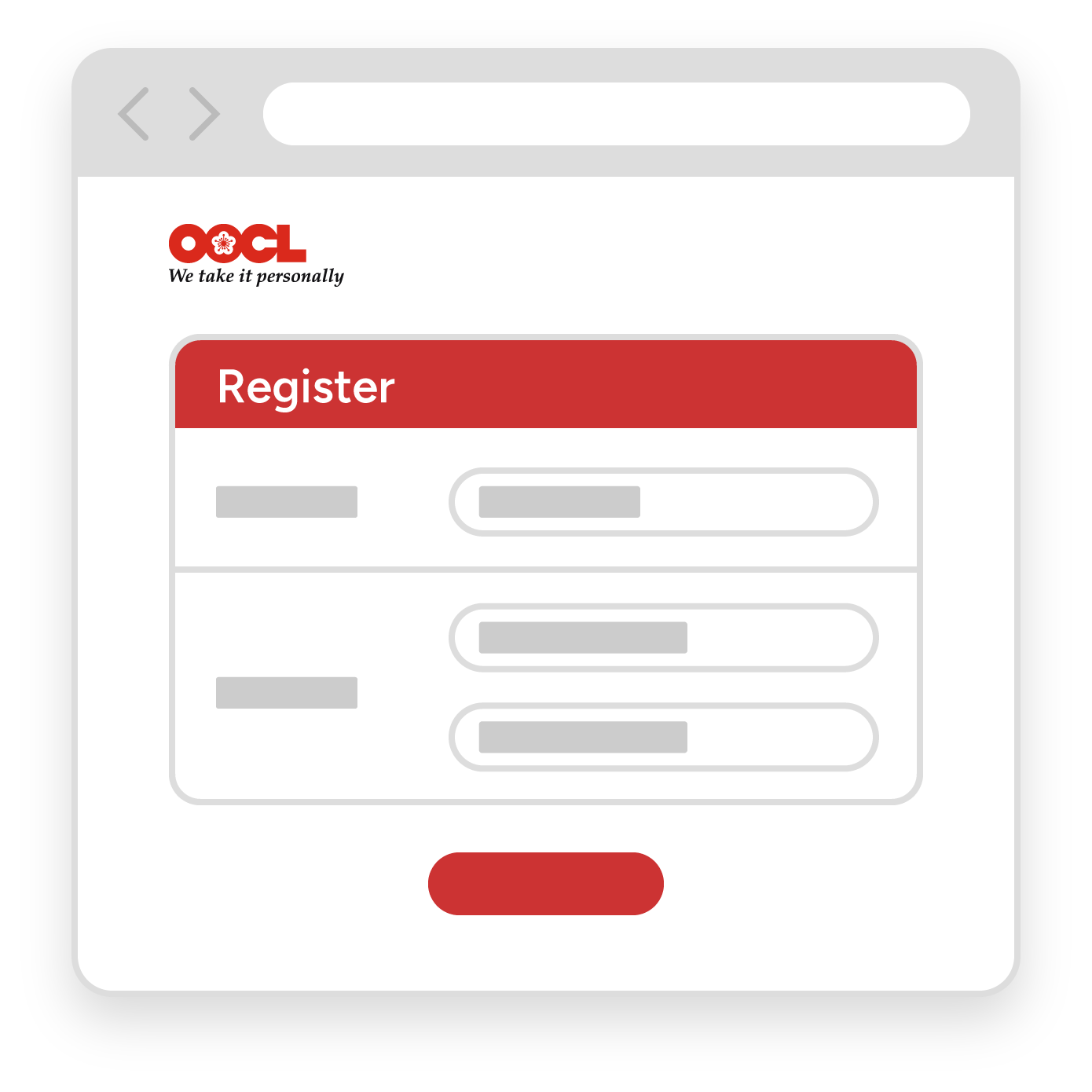
Enter your details and your company’s details to create an OOCL account.
Create an OOCL account
Check your email for an activation message. Follow its instructions to activate your OOCL account and set your password.
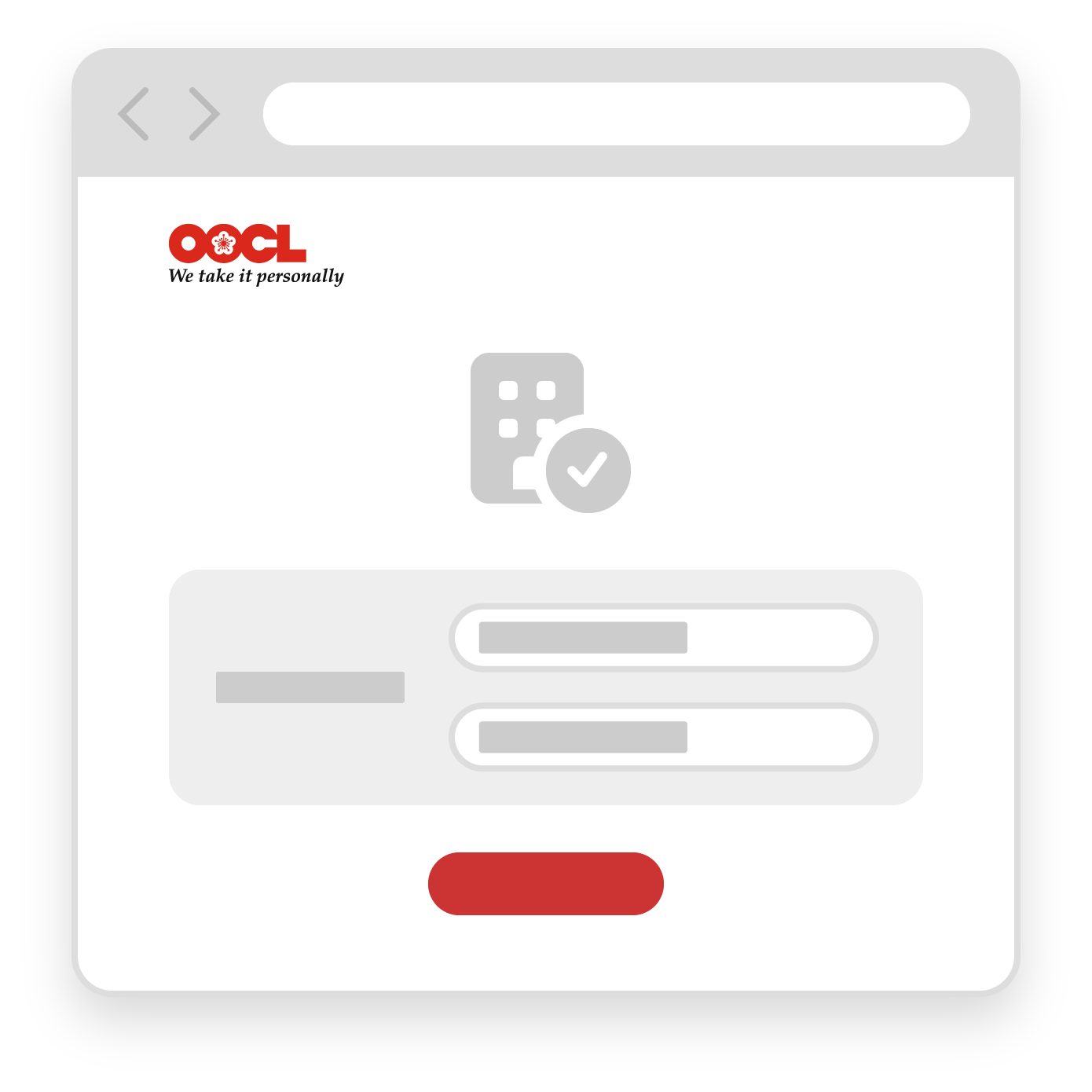
Submit your company registration documents for verification.
After OOCL verifies your company, you can make your first booking on FreightSmart.
After your register

Earn points with PlumSmart
Earn PlumSmart points from bookings and additional services. Higher membership tiers offer more discounts and benefits.

Add colleagues to your company account
Your colleagues can create individual accounts and requests to join your verified company account. Once approved, they can manage quotes and bookings within their assigned permissions.
Manage shipments on your phone
Use the OOCL app to get shipment updates, review bookings and download shipping instructions. You can also submit verified gross mass (VGM) information.
Use FreightSmart on mobile devices