Ship with confidence
FreightSmart E-Spot lets you book your selected quotation online with space protection and priority access to equipment. Create an order to secure the quoted ocean freight rates and applicable surcharges.
Follow these steps to create and submit an E-Spot booking. Before you start, register and activate your OOCL account and complete company verification.
FreightSmart E-Quote offers more booking flexibility. See how to book with E-Quote.

Space protection and equipment priority

Fixed rates, surcharges and free time
Some surcharges are based on the latest OOCL tariff. Check your quotation for details.

24-hour free cancellation
Available for orders created at least 14 days before departure. Check your quotation cancellation policy for details.
Create and submit an E-Spot booking
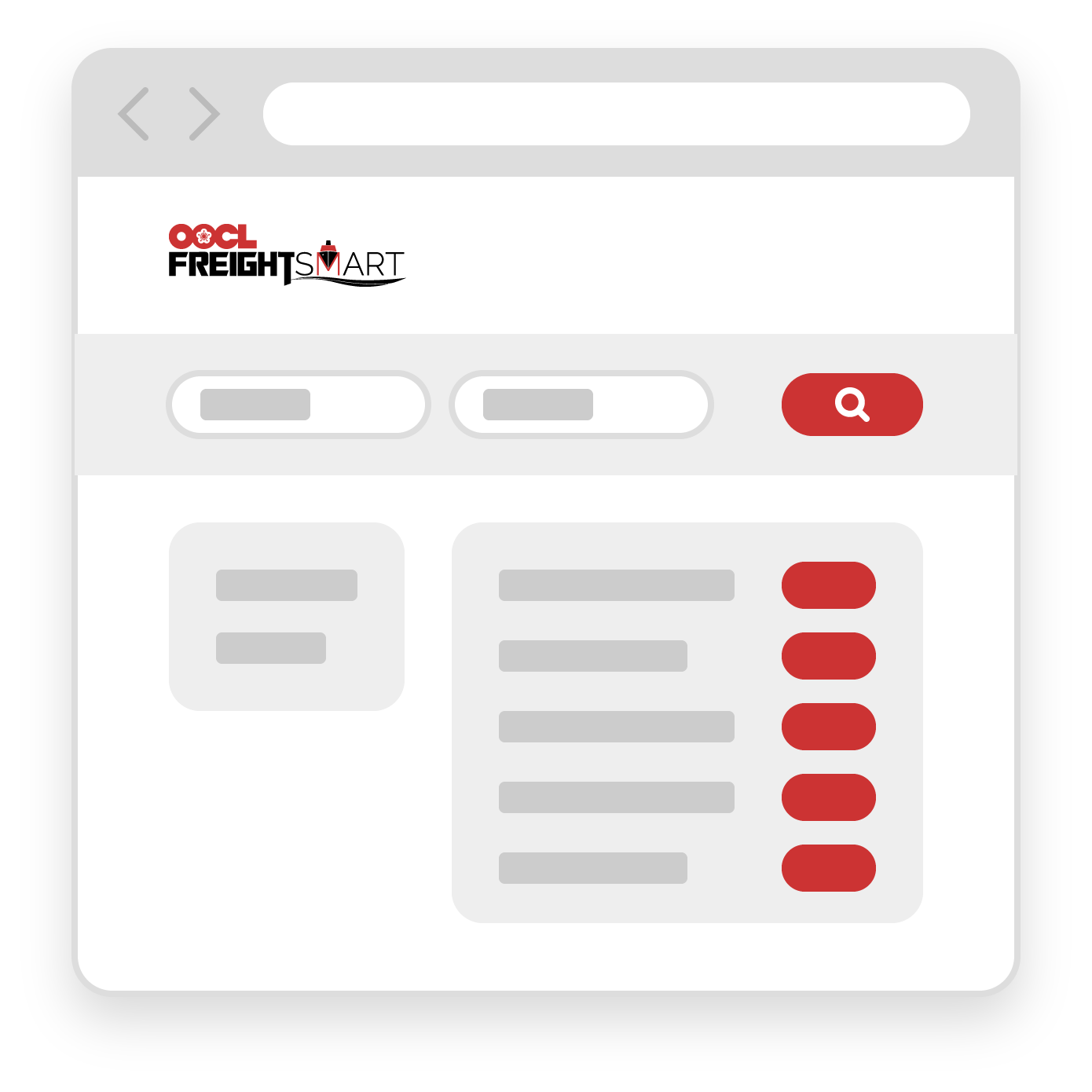
Sign in with your OOCL account, then enter your shipping details to find available quotes.
If you don’t have an account, learn how to register.
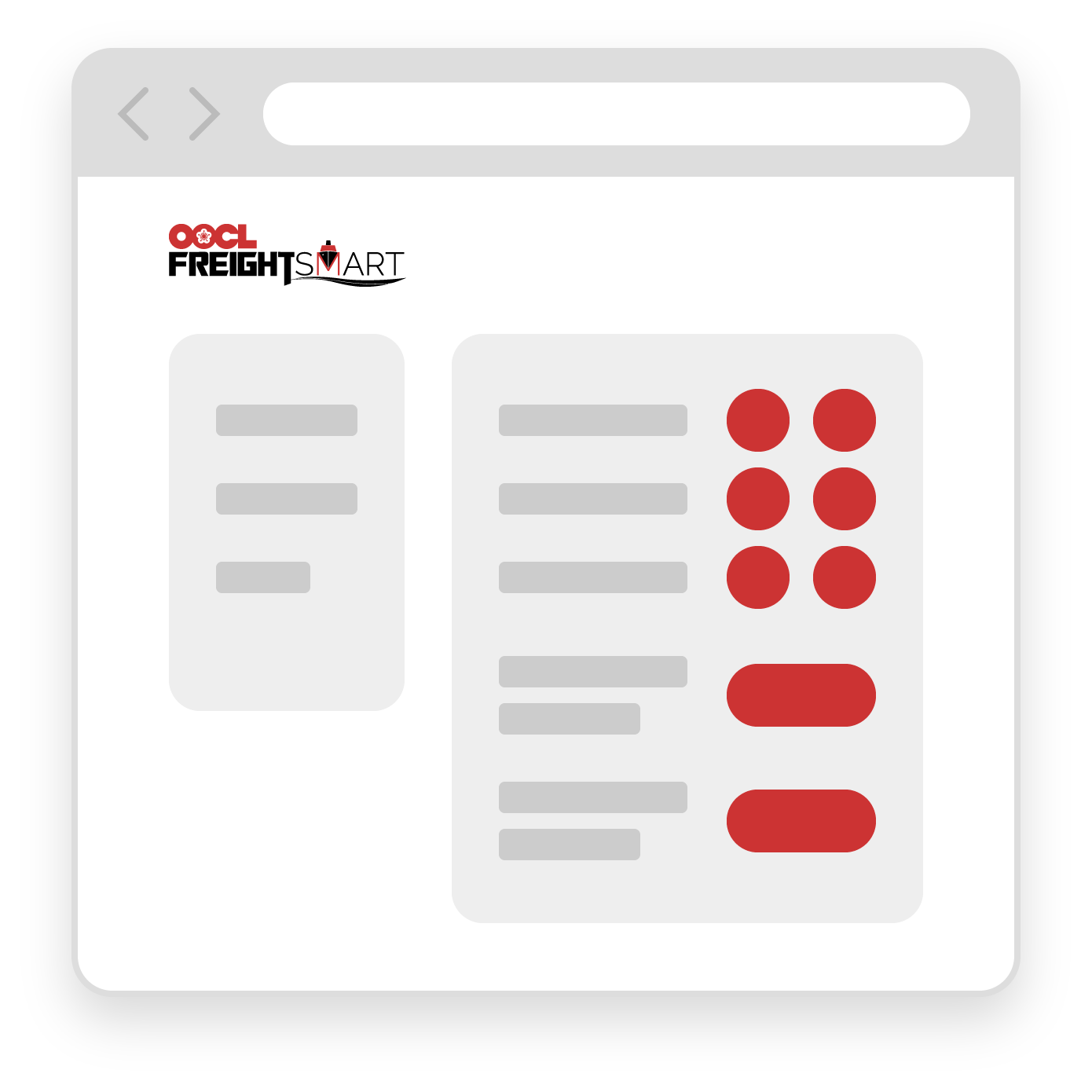
Choose your preferred sailing and add available additional services to suit your shipment needs.
Review your quotation, then create the order to reserve space and secure the agreed rates, surcharges and free time. Equipment priority also applies.
Complete the shipment details and submit your booking within 24 hours of creating the order.
Read our Help Centre guides or select “Ask Fin” for booking help.
Browse the Help Centre Ask Fin